



zplCloud Blog
Connect a Local MongoDB as a Label Datasource with the zplCloud CLI
Filters become native query documents, executed by the agent in your network. The connection string stays on your machine.
No export, no copy of your collection in the cloud
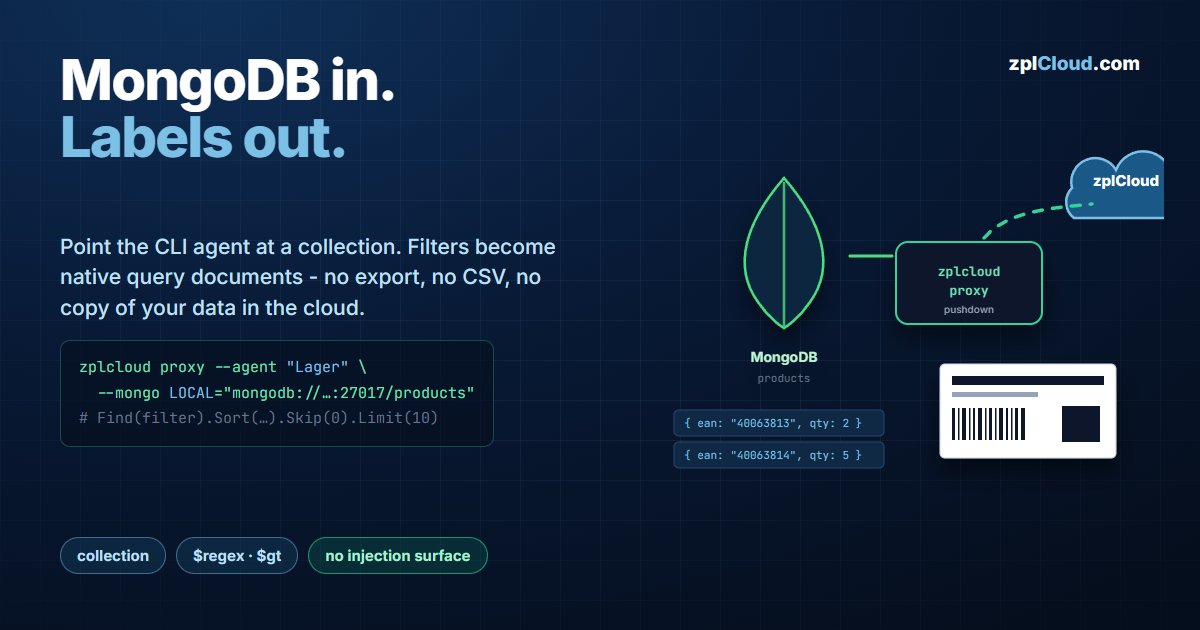
Product data, order items, serial numbers - if it already lives in MongoDB, exporting it to CSV so a label can print it is pure overhead, and the export is stale the moment it is written.
The zplCloud data hub connects the collection directly. A CLI agent in your network holds the connection string, the platform describes the query, and the agent returns only the matching documents. The database stays unreachable from the internet.
Architecture
zplcloud proxy keeps one outbound TLS connection to api.zplcloud.com. Nothing listens on your side, so there is no inbound port and no firewall exception. Query, sort and paging are pushed down: the agent builds a real MongoDB query and calls Find(filter).Sort(…).Skip(n).Limit(m). The collection is never downloaded.
Step 1 - start the agent with your MongoDB
# Multiple --mongo flags are allowed; the NAME is what you pick in the platform.
zplcloud proxy --agent "Lager" \
  --mongo LOCAL="mongodb://admin:…@127.0.0.1:27017/products" \
  --mongo PROD="mongodb://admin:…@mongo.internal.lan:27017/erp"
The connection string must include the database name - it is the part after the host, …:27017/products. Without it the agent has a server but no database to query.
Secrets are better kept out of shell history:
$env:ZPLCLOUD_MONGO_LOCAL_CONNECTION = "mongodb://admin:…@127.0.0.1:27017/products"
zplcloud proxy --agent "Lager"
The banner confirms what was registered: MongoDB servers: LOCAL, PROD. Authenticate against the platform with --api-key <key> or ZPLCLOUD_API_KEY; make it permanent with --service-install (systemd on Linux/Raspberry Pi, scheduled task on Windows) or with ZPLCLOUD_MONGO_LOCAL_CONNECTION in docker-compose.agent.yml.
Give the agent a read-only user scoped to the database it needs. The agent executes with that user, so MongoDB's own role model is the permission boundary.
Step 2 - create the datasource
In Data sources the agent appears under Remote SQL Server with a chip per MongoDB instance. Clicking it pre-fills the form.
| Field | Value |
|---|---|
| Name | Lager-Artikel |
| Type | MongoDB |
| Server | LOCAL (the name from --mongo LOCAL=…) |
| Collection | products |
Test pings the instance and returns server · database. Fields samples a document and lists the field names with their BSON types.
Field discovery works from a sample, which matters in a schemaless store: if the first documents lack a field that later documents have, it will not appear in the list. Add it manually in the binding if you know it exists.
Step 3 - how a filter is executed
The filter row you build in Query - column, operator, value - is translated into a MongoDB filter document and executed by the agent:
| Operator in the UI | MongoDB |
|---|---|
contains | { ean: { $regex: "40063813" } } |
starts with | { ean: { $regex: "^40063813" } } |
= | { ean: "40063812" } |
> / < | { price: { $gt: 10 } } / { $lt: … } |
Two consequences worth stating plainly:
- There is no injection surface. A MongoDB filter is a BSON document - data, not a string that gets parsed as code. A value containing
$or{}is still just a value. $regexwithout an anchor cannot use an index.containson a large collection is a full scan.starts withproduces^…, which a normal index on that field can serve. On big collections, prefer it.
The hard limits (from the agent source)
| Limit | Value |
|---|---|
| Rows per request | 1000 - limit is clamped, the default is 100 |
| Server selection timeout | 15 s - an unreachable replica set fails here, not after minutes |
| Executed operation | read only: Find with sort, skip and limit |
Larger result sets are paged: the platform requests page after page with a growing Skip, each capped at 1000 documents. Batch printing 10 000 labels therefore never holds more than one page in memory, on either side.
Note that Skip on a large offset makes MongoDB walk the skipped documents. For catalogs in the hundreds of thousands, an indexed sort field keeps that cheap; an unindexed sort will not.
Step 4 - use it in the designer and in Print Views
- Designer → Test Data tab → Data source: pick the datasource, press Load, and every binding renders with real documents. Field lengths, missing values and encoding problems show up here rather than on the label roll.
- Print Views → configuration → Data source (data hub): preview and printing use the live query. The operator never sees that MongoDB is behind it.
Failure modes
| Symptom | Cause |
|---|---|
| Agent runs, no chip in the data hub | --mongo name missing, or the API key belongs to another workspace |
Test fails after ~15 s | server selection timeout - host unreachable from the agent machine, wrong port, or a replica set whose members advertise names the agent cannot resolve |
Test fails instantly with auth error | wrong user/password, or the auth database differs from the data database (?authSource=admin) |
Fields misses a field | the sampled document does not contain it - schemaless collections need a representative sample |
| Filter returns nothing on a value you can see | type mismatch: a numeric field compared against a string. Check the type in the field list |
Plan
The data hub (MongoDB and SQL Server datasources through the CLI agent) is part of the Pro plan. See the pricing page.